Just a quick article with some tips and tricks for improving your Midjourney creations when trying to create realistic images. This is targeted for novice users of the platform and unveils easy some essential techniques, infused with Midjourney’s parameters, to craft visually stunning and lifelike images.
Embrace these strategies to revolutionize your digital artistry. Use some of these idea’s to create great content for your output such as your Slides and Presentations with Gamma.
1. Artistic Mastery and Influences:
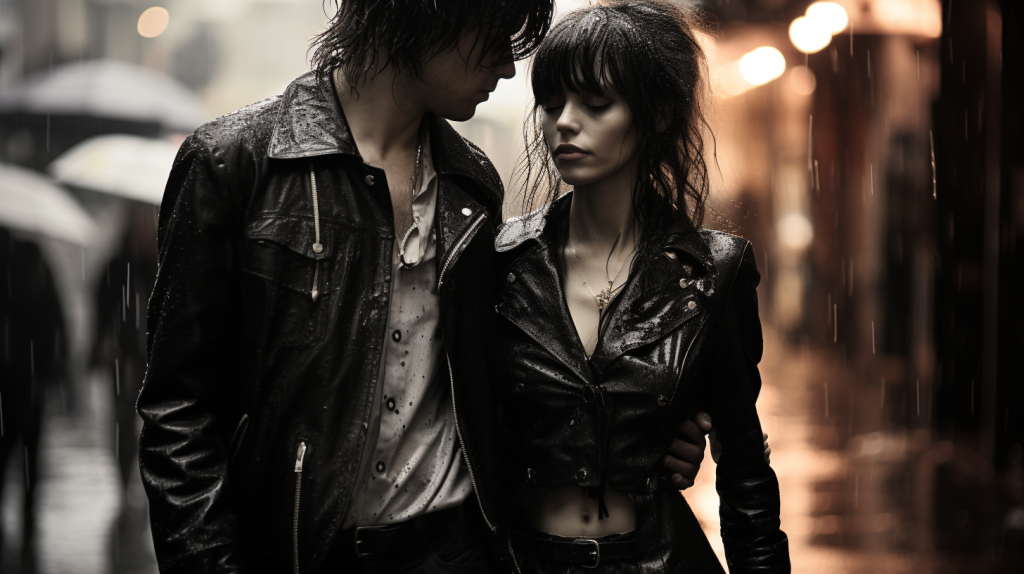
- Creative Fusion: Integrate artistic styles or mirror the genius of legendary photographers to infuse your creations with unique flair and sophistication.
- Example: “A punk rock couple walking in the rain photographed by Mick Rock”
- Insider Tip: Aspect Ratios. Adjust with ‘–ar 16:9’ for a mesmerizing widescreen effect, elevating the visual narrative.
2. Camera Lenses:
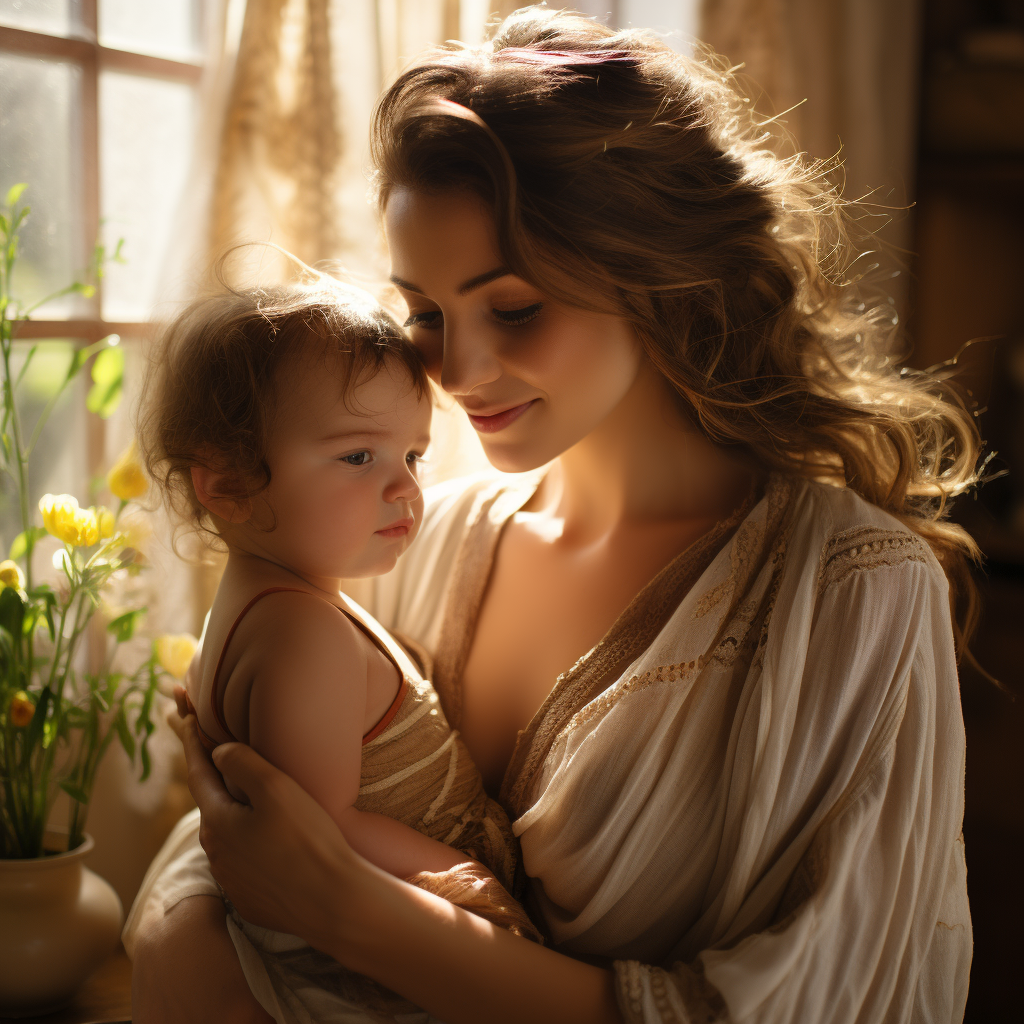
- Eye of the Beholder: While not a parameter you are free to ask for the image to be created by a type of camera lens. For example, Fish Eye, or Macro. You can also specify specific brands, real life lenses.
- Example: “A photo of a baby being nursed by it’s mother. Sunlight room. Sony a7R IV camera”
- Insider Tip: Quality Parameter. Leverage ‘–q .5’ to accentuate quality and composition, enriching the scene’s visual depth. Default is 1, sometimes lower gives more interesting results.
3. Dynamic Light and Shadow Play:
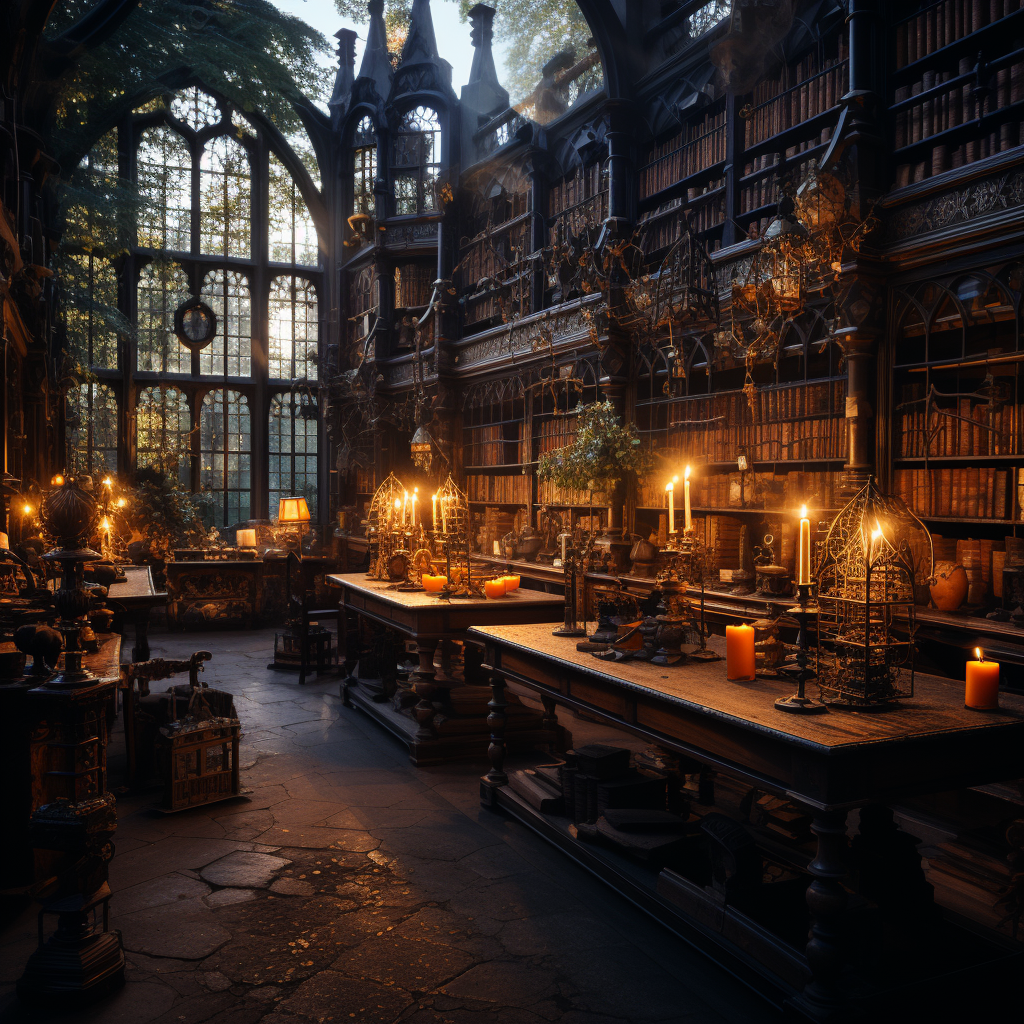
- Illumination Mastery: Precisely dictate lighting nuances, including the time of day and shadow play, for a dramatically lifelike ambiance.
- Example: “An photo of a old library at twilight, bathed in the golden glow of vintage lamps, casting deep, intriguing shadows.”
- Insight: Stylize. Experiment with stylizing. “–s 100”. The more stylization gives Midjourney more freedom to interpret your prompt. Lower is more strict to your prompt
4. Iterative Prompt Evolution:
- Creative Evolution: Commence with a broad idea and progressively refine it, adapting to the AI’s interpretations for an evolutionary creative process.
- Example: Start with “a winter landscape,” evolve to “a snow-covered village at dusk,” and finally to “a quaint village during a magical snowfall, with twinkling lights and soft shadows.”
- Savvy Suggestion: Use ‘–chaos 30’ to inject a touch of unpredictability, sparking unparalleled creativity.
Conclusion:
Conquering the art of photorealism with Midjourney is an exhilarating journey, blending art with innovation. By mastering these essential techniques and leveraging Midjourney’s advanced parameters, you’re poised to create spellbinding, realistic images that capture the imagination. Embrace each masterpiece as a pivotal milestone in your artistic voyage.